Cloud, Colocation, or On-Premises? 6 Questions Before Moving a Business Server

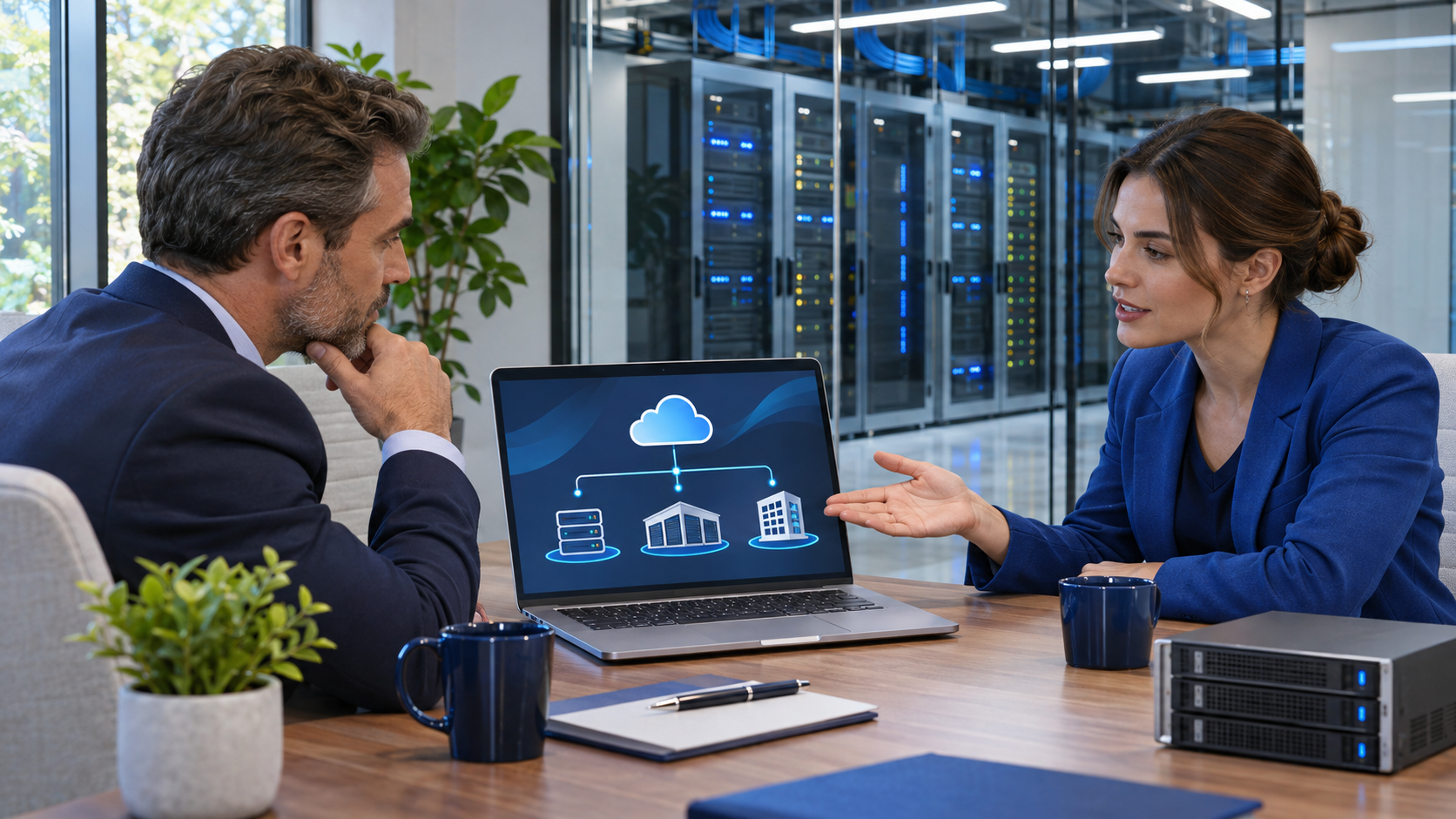
Business owner and IT consultant compare cloud, colocation, and on-premises server options beside a data center.

“Should we move this server to the cloud?” is a useful question, but it is not the first one to answer. A business application can run on equipment in your office, on infrastructure you own in a colocation facility, or on a cloud service—and some organizations use more than one model. The right choice depends on the workload, responsibilities, access needs, and the plan for getting out if your requirements change.

Know what you are comparing

On-premises: equipment is located at your business. Your organization or IT provider handles the facility and the systems according to your support arrangement. Colocation: your equipment is housed in a professionally managed data center; the facility can provide rack space, power, cooling, and connectivity, while management responsibilities depend on the agreement. Cloud: computing resources are provisioned as services over a network. NIST describes cloud computing as on-demand access to a shared pool of configurable resources; a server merely located in a data center is not automatically a cloud service. See the NIST definition of cloud computing.

Use these six questions to compare options for a specific workload, not to pick a winner for the whole business.

Six questions to ask before moving a server

  • What does the server actually support? List the applications, databases, file shares, integrations, users, and devices that depend on it. Ask the application vendor about supported hosting models before planning a move.
  • How do users connect to it? Identify where staff work, how they reach the application, and what happens if an office or internet connection is unavailable. Test response and connectivity from the places people will use it.
  • Who is responsible for each layer? Write down who manages physical hardware, virtualization, operating systems, patching, application updates, identity, monitoring, backup, and incident response. A hosting change does not automatically transfer every task.
  • What data and contract requirements apply? Confirm where data is stored, who can access it, how long it is retained, and how it can be exported. Have the right internal or professional advisers review industry, customer, and contractual requirements.
  • What is the full cost over time? Compare hardware refreshes and facility costs with service charges, licenses, storage, network use, support, migration, and the staff time needed to operate the environment. Include the cost of changing direction later.
  • How would recovery work? Treat hosting, backup, and disaster recovery as related but separate decisions. Specify which systems and data must be recovered, who will do the work, and what recovery time and data-loss limits the business can accept. Confirm how the plan will be tested.

Match the model to the workload

Keeping a system on-premises may be reasonable when it meets the business need and the organization can support its facility, hardware, and maintenance responsibilities. Colocation can be worth evaluating when you want equipment housed in a professionally managed facility but still need a design based on your own hardware or network. Cloud services may suit workloads that benefit from the provider’s service model and provisioning options. Each option still needs an owner, a security plan, reliable connectivity, and a recovery approach.

There is no requirement to move every workload at once. A hybrid design can connect on-premises systems, hosted equipment, and cloud services, but it also introduces dependencies to document and test. Start with one workload, record its requirements, and compare the choices against the same checklist.

Make the decision reviewable

Before approving a move, keep a short decision record: the workload and dependencies, chosen model, cost assumptions, responsibilities by layer, data and access requirements, migration plan, recovery expectations, and exit path. Ask the people who use and support the system to review it. If an important item is unknown, make it a discovery task rather than silently treating it as solved.

Technic’s Infrastructure & Data Center services include managed colocation, hybrid infrastructure, secure remote access, network engineering, and backup and recovery planning. The page notes that availability, specifications, and service scope are confirmed for each proposal. If you are comparing locations or hosting models, bring the workload list and the responsibilities you need covered to the discussion.

Our offices

Technic Business Solutions operates across key U.S. markets, combining local on-site service with secure nationwide remote support. Our teams are positioned to support regulated, growing, and mission-critical organizations wherever they operate.
HeadquaRters
72 Maxwell
Irvine, CA 92618
California
311 E Washington Ave Suite 108
Escondido, CA 92025
Arizona
2414 West 12th St Suite 3
Tempe, AZ 85281
Florida
5225 Tech Data Dr Ste 200 Clearwater, FL 33760
Technic Business Solutions Logo - Managed IT, Cybersecurity, Copier Leasing
Subscribe to our newsletter
The latest news, articles, and resources, sent to your inbox weekly.
Company
About Blog Shipping & Returns Policy Terms of Use Privacy Policy Service Status
Google
Google star 1Google star 2Google star 3Google star 4Google star 5
5.0
verified by Trustindex
Trustindex verifies that the company has a review score above 4.5, based on reviews collected on Google over the past 12 months, qualifying it to receive the Top Rated Certificate.
Los Angeles | Irvine | San Diego | Walnut Creek | Sacramento | Bakersfield | Tampa | Clearwater | St Petersburg | Arizona
© 2026 Technic Business Solutions. All rights reserved.