
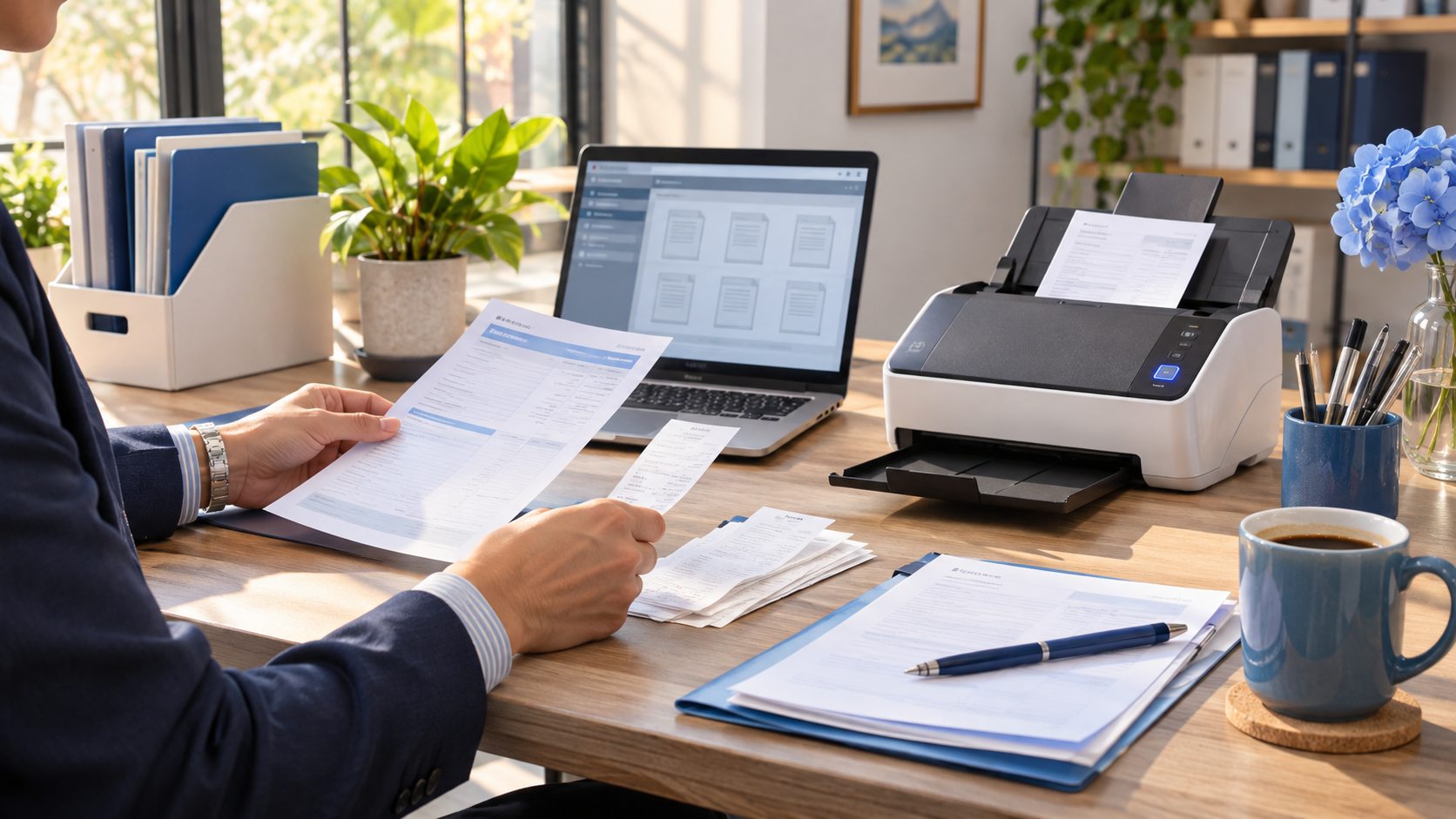
When invoices and receipts live in inboxes, desk drawers, shared drives, and accounting software, a simple question can turn into a search project: Can we find the document behind this transaction?
A year-end cleanup is a useful moment to make that answer easier. You do not need a complicated records project. Start with a small, repeatable workflow that connects each document to the transaction it supports and makes the approved copy easy for the right people to find.
Ask your bookkeeper or finance lead which records they need for the close: vendor invoices, customer receipts, credit memos, purchase approvals, payment confirmations, and related correspondence. The IRS publication on starting a business and keeping records explains the role of source documents in a business recordkeeping system. Use your tax and accounting advisers to confirm what your organization should retain and for how long.
Choose where new records should land. For example, vendor invoices might go to a shared finance mailbox, while paper receipts are scanned to a restricted folder. Tell employees the route and what to do when a document arrives somewhere else. The goal is to reduce the number of places people have to check.
Use a consistent file name or index that includes a few useful details, such as vendor, document date, invoice number, amount, department, or transaction ID. Choose fields your finance team will actually search. A file named 2026-11-18_Acme_Invoice-4812.pdf is easier to identify than scan0047.pdf.
Decide how staff will move from a ledger entry or accounting record to its supporting invoice or receipt. That may be a document link, a shared-folder path, or an agreed reference number. Test the process with a few real examples: can a teammate find the right document without asking the person who filed it?
Before filing, confirm that every page is present and readable, the image is right-side up, and key details such as totals and dates are visible. For paper records, use a scanner or multifunction printer workflow that produces a clear file and sends it to the correct destination. Re-scan poor copies while the original is still available.
Limit the records area to people who need it, identify who maintains the folder or document system, and confirm that the data is included in your organization’s backup and recovery plan. Make sure there is a process for restoring a file—not just a statement that backups run.
Ask staff to flag missing invoices, duplicate files, unclear charges, and records that are saved in personal inboxes or local folders. Keep a short exception list, assign an owner, and confirm the resolution with finance. Do not delete records just because they look old; follow the retention schedule set with your accounting, legal, or compliance advisers.
Pick one vendor group, department, or month of transactions and run the workflow end to end. Note where people hesitate, which fields they search, and what creates duplicate work. Adjust the steps before expanding the process across the organization.
If scanning, shared folders, and print workflows make it difficult to keep business documents organized, explore Technic’s Print & Document Solutions. The team can discuss scanning and document-flow options around your existing process.

