
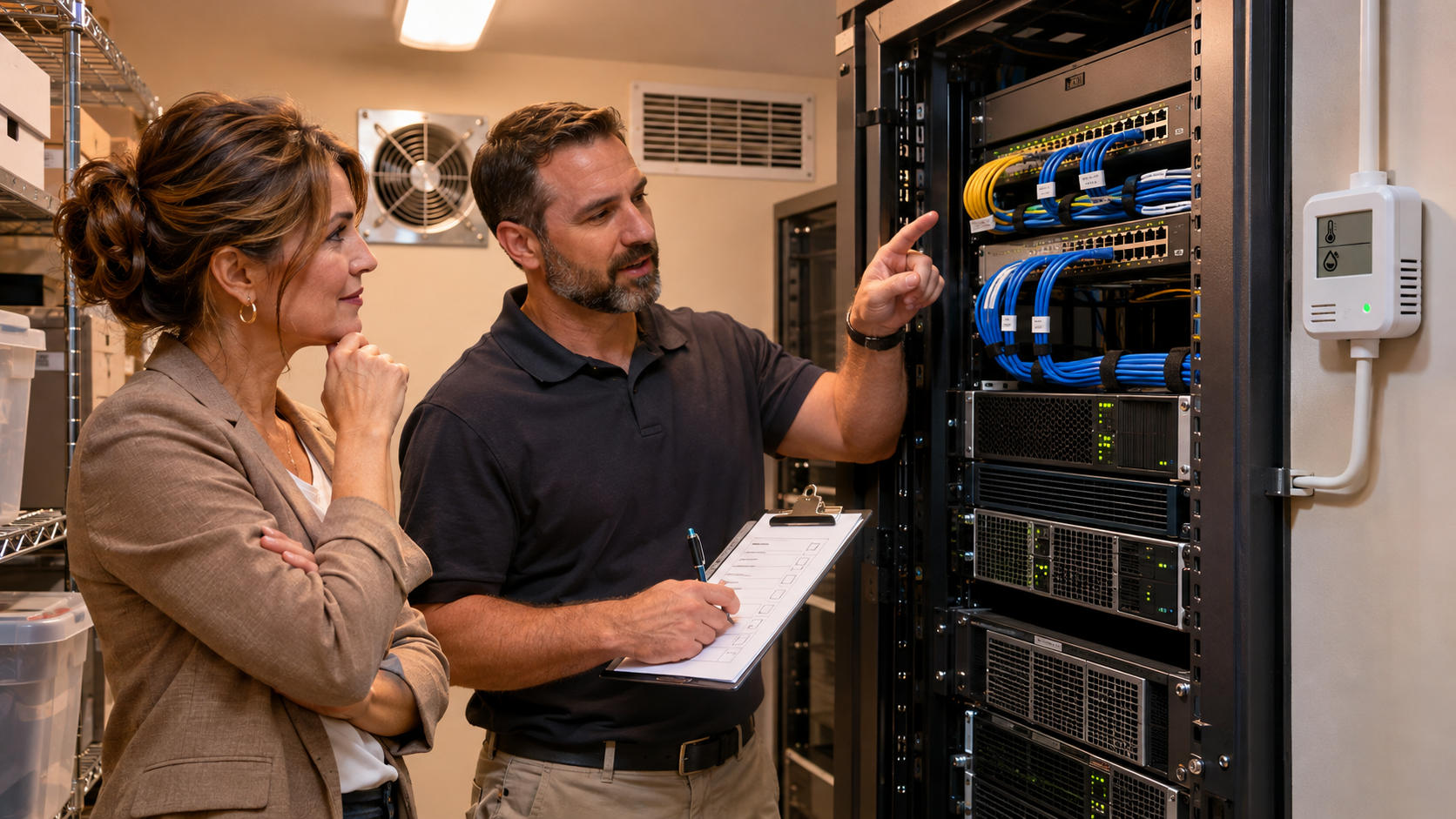
Most small businesses do not set out to build a server room. A router, a switch, a file server, and a few network appliances end up in a spare closet, then quietly become part of the company’s critical infrastructure.
That room may be out of sight, but it still depends on cooling, power, physical access, and a plan for getting systems running somewhere else if the space becomes unusable. A short walk-through can reveal questions worth answering before an outage forces them.
Make a list of people who have keys, badge access, or another way into the room. Ask how visitors, vendors, cleaners, and temporary staff are handled. NIST’s data center guidance discusses limiting physical access to authorized people and monitoring access. A small office may use simpler controls, but someone should own the access list and review it when roles change.
Look for blocked vents, dust buildup, warm air recirculating into equipment, or storage stacked around the rack. Check whether the room’s cooling runs after business hours and what happens if the fan or air conditioner fails. Ask the equipment vendor or IT provider for the acceptable operating conditions of the specific devices; don’t guess from the room temperature alone.
Check for plumbing, roof leaks, water heaters, floor drains, exterior windows, and nearby equipment that could leak or create heat. Note where smoke detection and fire protection are located. NIST’s National Cybersecurity Center of Excellence includes cooling failure and regional power loss among data center disruption examples, and points to environmental safeguards such as cooling, backup power, and fire detection and suppression.
Identify which equipment is connected to an uninterruptible power supply (UPS), how the UPS reports a problem, and who receives that alert. Confirm that batteries are inspected and replaced according to the manufacturer’s guidance. A UPS can provide short-term ride-through or a controlled shutdown; it is not a substitute for a tested generator or a recovery plan.
Keep a current inventory of equipment, network connections, warranty or support details, and the person responsible for each system. Label cables and circuits clearly. Store the documentation somewhere staff can reach if the closet itself is inaccessible. NIST’s small and medium manufacturer continuity guidance highlights documentation, preventive maintenance, power planning, and fire protection among practical areas to address.
List the systems your team needs first, who can authorize recovery, and which applications or network services depend on one another. Decide whether a short manual workaround, alternate equipment, or an alternate location is realistic for your business. NIST describes these as different contingency approaches; the right one depends on the impact of an outage and the time your business can tolerate without each system.
Bring the person who manages IT and someone who understands daily operations. Take photos of the equipment layout, write down unanswered questions, and assign an owner and due date to each follow-up. Do not unplug, move, or change production equipment during the review.
If the room has no cooling or power alerts, an unclear access list, unlabelled connections, or no recovery option, prioritize a discussion with your IT provider. The answer may be a few improvements in place, a redesign, or a professionally managed data center. Moving everything is not automatically necessary; compare the equipment, support needs, connectivity, and recovery goals first.
Technic helps businesses plan networks, servers, and data center options around how they operate. Explore Technic infrastructure and data center solutions, or talk with the Managed IT team about reviewing your current environment.
These sources provide general planning guidance. Requirements and suitable controls vary by equipment, business, location, and applicable regulations.

